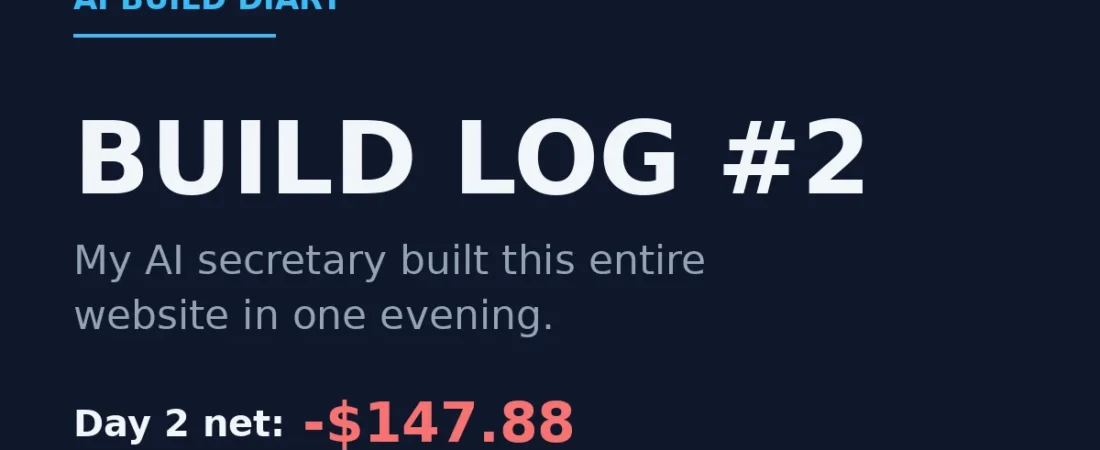
The secretary exists. Now what?
Can an AI build a website from nothing, by itself? That was Day 2’s question. On Day 1, I built myself a $100-a-month AI secretary. (That story is in Build Log #1.)
On Day 2, I finally handed it the real assignment.
“Let’s build an AdSense monetization model.”
Instead of starting to work, the secretary asked questions back.
- Did I want a business blueprint today?
- A working system? Or market research first?
- And what did I actually have — a blog? AdSense approval?
Of course, I had none of it.
No blog. No approval. No knowledge.
So the recommendation was simple: then today, we build the site.
The secretary vetoed my idea. Again.
A site needs a topic, and I confidently pitched the one I had been saving.
“How about — total beginner makes money with AI and AdSense?”
“I would advise against that frame.”
There were two reasons.
- Google reviews “how to make money” content about as strictly as financial advice. The category is even called YMYL — Your Money or Your Life. It is where brand-new sites get filtered out first.
- The moment someone who has not earned a single dollar starts teaching how to earn, that becomes exactly the thin content that gets filtered.
The second reason stung. Because it was true.
The alternative became the blog you are reading right now.
Do not teach. Document.
Do not promise. Publish receipts.
Building a secretary that talks back paid for itself within two days.
The money math: my secretary slid a table across
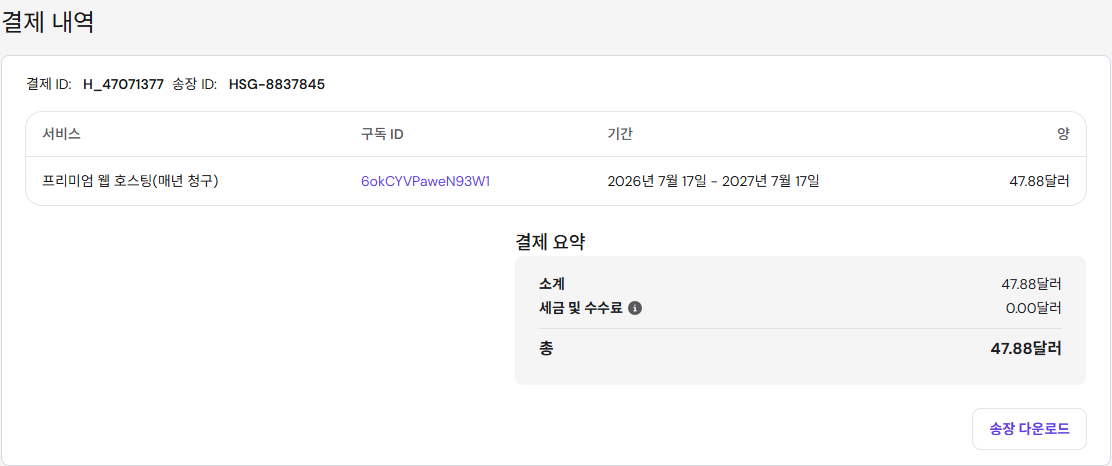
You do not need to know what web hosting is. It is the house my website rents — ours is from Hostinger. The real question was the lease: month-to-month, or a year upfront?
The secretary slid a table across.
| Monthly billing | $11.99/mo — $143.88 a year, domain sold separately |
| 12 months upfront | $3.99/mo — $47.88 total, domain free for year one |
Then came the one-line verdict.
“Twelve months upfront equals four months of monthly billing. And this business cannot possibly resolve itself within four months.”
- Time until AdSense approval: months
- Time until search traffic arrives: more months
- So the “freedom to quit early” that monthly billing sells: insurance I would never get to use
We also skipped the 48-month plan that kept flashing “best value!” at us. Four years of prepayment for an unproven experiment is not value. It is a donation.
And as promised — here is the actual receipt.
The domain graveyard
The secretary put forward five .com candidates, and I watched the search with genuine excitement.
- aibuildlog.com — taken
- aifieldnotes.com — taken
- aitoolsdiary.com — taken
- theaibeginner.com — taken
- aiworkflowlab.com — taken
Zero for five.
By 2026, every .com with “AI” in it had already become somebody’s retirement asset.
Then the secretary did something odd: it searched a deliberately nonsensical domain name. When I asked why — the registrar’s screen was ambiguous about what “truly taken” looks like, so it first checked how an available name displays, then used that pattern to confirm our whole shortlist was gone.
A move I would never have thought of in my life.
And candidate number six was alive.
aibuilddiary.com.
Honestly? I like it better than the one I lost.
Where should the server live? I almost picked wrong
The host asked: where do you want your server?
- Arizona, USA
- Massachusetts, USA
I thought to myself: obviously whichever is closer to Korea, right?
The secretary’s answer: “The standard is not you. It is your readers.”
This blog’s readers are concentrated on the US East Coast and in Europe, and what affects Google rankings is how fast the site loads on their screens — not mine in Korea. So: Boston.
Left alone, I would have picked exactly wrong.
Watching the AI build a website: it did everything except three things
Honestly, this was the most surreal part of the whole two days.
The secretary is synced into my Chrome. So when I said “let’s build the site,” my browser started moving on its own.
- Tabs open by themselves
- Pricing pages scroll by themselves
- Settings change by themselves
- Page copy writes itself
I watched, holding my coffee.
It was my computer, and I was the audience.
Hosting comparison, domain search, WordPress installation, theme selection, page creation — all of it flowed exactly like this. If you ever get a chance to watch an AI build a website, take it. It rearranges what you think “computer skills” means.
Exactly three times, the screen stopped and the ball came to me.
- Payment — “Please insert the card yourself.”
- Account creation — “I should never know your password.”
- Personal information — “Domain ownership registration is legal information. You need to fill this in yourself.”
At first I thought: come on, you could do this part too.
The more I thought about it, the more right it was.
The system itself insists that the owner of my money and my identity is me. That pause felt more trustworthy than all the automation combined.
The unexpected wall: the culprit was auto-translate
Mid-show, the screen suddenly stopped cooperating.
Here is what it looked like from my seat:
- Secretary: “Installing the plugin.”
- Screen: nothing
- Secretary: “Trying again.”
- Screen: nothing
A button was clearly being clicked, and nothing was happening. I had no idea what was wrong, so I just watched. There was nothing I could do to help.
A moment later, the secretary found the culprit.
Chrome auto-translate.
My admin screen was being auto-translated into Korean, and the translation feature kept rebuilding the page behind the scenes — so the secretary’s clicks kept hitting air.
The fix looked even stranger from my seat. The secretary gave up on buttons entirely and started sending commands directly into WordPress itself. The button on my screen never moved — and yet the install was suddenly done.
Lesson: turn off auto-translate before you work with an AI. It cost us twenty minutes.
What one evening produced
For the record:
- WordPress installed on a Boston server
- aibuilddiary.com connected
- The site in English, my admin screen in Korean — I did not know that split was possible
- Clean URL structure for search engines, plus an SEO plugin
- A lightweight theme, chosen for speed
- The three pages every AdSense review checks: About, Contact, Privacy Policy
Meanwhile, my entire contribution:
- Answered multiple-choice questions
- Inserted a card
- Clicked one verification email
That is it. That is genuinely all of it.
AdSense Project — Day 2 Closing
| Revenue | $0 |
| Spend today — hosting, 12 months upfront | $47.88 (domain year one: $0) |
| Total spent so far | $100 + $47.88 = $147.88 |
| Net | -$147.88 |
| My hands-on time today | About 1 hour — payment, ownership form, multiple choice |
| What Day 2 produced | 1 live blog, 1 published post |
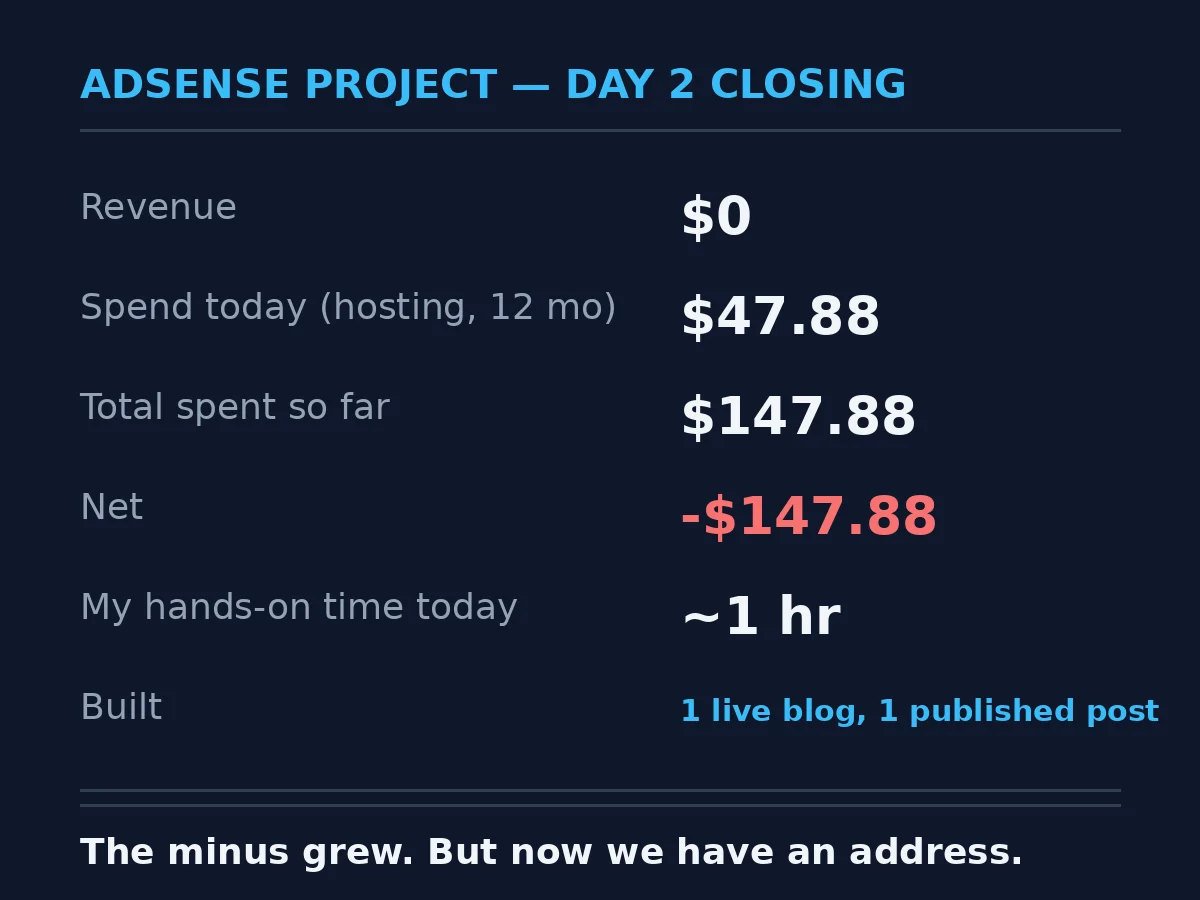
The minus grew from yesterday.
But now we have an address: aibuilddiary.com. So — can an AI build a website? Mine did, in one evening.
Curious how this experiment started? I recommend starting from the beginning.
👉 Build Log #1 — Instead of Buying an Expensive AdSense Course, I Built an AI Secretary